Connect the GitHub and GitLab CLIs for AI Code Review
DraftAuthenticate gh and glab once, and any coding agent can read your pull requests, merge requests, diffs and CI — then review them before your teammates do. Including the workaround for a self-hosted GitLab hidden behind HTTP Basic Auth.
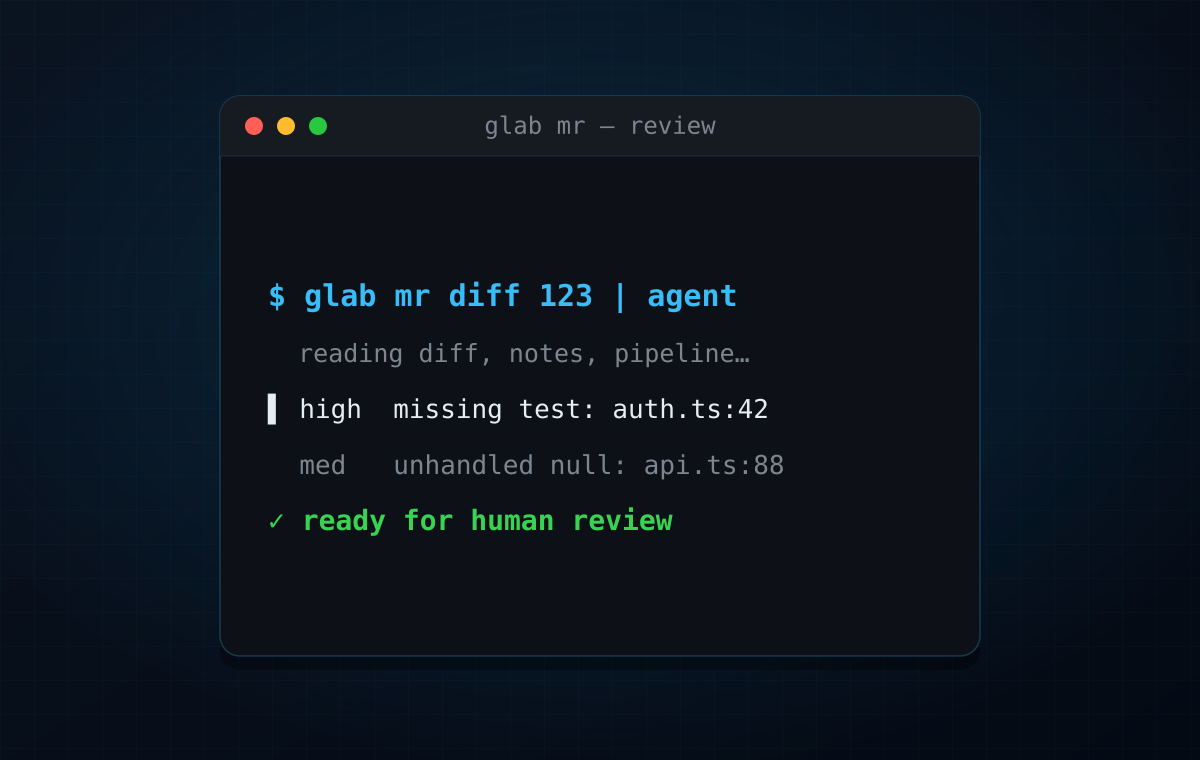
This isn’t a new trick. The GitHub and GitLab CLIs have been around for years, and coding agents have been able to run terminal commands for a while too. But I still meet developers who use agents only inside the editor and forget that the same agent can read pull requests, open merge requests, comment on them, check CI, and prepare a better review for the humans.
My habit is simple: before I send a merge request to my teammates, a coding agent reviews it first. Not instead of them — before them. The agent catches the boring stuff: missing tests, suspicious edge cases, unclear names, and now and then a real bug. My teammates then spend their attention on product and architecture instead of on things I could have caught myself.
Ideally this lives in CI. A local workflow is useful, but a pipeline review is repeatable: same prompt, same scope, same permissions, same audit trail. Both start the same way — with a CLI the agent can call.
Install the CLIs
For GitHub, install GitHub CLI:
# macOSbrew install gh
# Debian / Ubuntusudo apt install gh
# Fedorasudo dnf install gh
# Arch Linuxsudo pacman -S github-cli
# Windowswinget install --id GitHub.cli
Package names and repositories can differ by distro. If your package manager does not have a recent gh, use the installation instructions from the official GitHub CLI manual.
Then authenticate:
gh auth logingh auth statusFor headless environments, GitHub CLI can use a token from the environment:
export GH_TOKEN=github_pat_...gh pr view 123gh auth login --with-token can also read a token from stdin, but for automation I prefer an environment variable: it’s explicit and easy to inject in CI.
For GitLab, install GitLab CLI:
# macOSbrew install glab
# Linux# Use your distribution package if available, or download a binary from GitLab CLI releases.
# Windowswinget install --id GitLab.glab
GitLab officially supports Homebrew on macOS, Linux and WSL. Elsewhere, check the current install page — package availability varies by distro.
Then authenticate:
glab auth loginglab auth statusFor GitLab Self-Managed, pass the hostname:
glab auth login --hostname gitlab.company.comYou can also use environment variables, which is usually the easiest path for agents and CI:
export GITLAB_HOST=https://gitlab.company.comexport GITLAB_TOKEN=glpat-...
glab mr view 123
Inside GitLab CI, GLAB_ENABLE_CI_AUTOLOGIN=true lets glab use the predefined CI variables (CI_SERVER_FQDN, CI_JOB_TOKEN) for commands that support job-token authentication — no extra secret needed.
Give your agent the right tools
Once gh or glab works in your terminal, most coding agents can use it too. The point isn’t “the AI can see my repo” — it’s that the agent sees the same review surface your team does: the description, the diff, the discussion, the pipeline.
For GitHub:
gh pr view 123 --commentsgh pr diff 123gh pr checks 123gh pr review 123 --comment --body "Reviewed locally with an AI agent. See notes above."For GitLab:
glab mr view 123glab mr diff 123glab mr note 123 --message "Reviewed locally with an AI agent. See notes above."glab ci statusThen ask the agent something concrete:
Review MR 123 using glab.Focus on regressions, missing tests, security issues, and behavior changes.Do not comment on style unless it can hide a bug.Return findings ordered by severity with file references.That beats “review my code” because it tells the agent where to look and which feedback matters.
GitLab behind Basic Auth
At one company our GitLab was self-managed and sat behind an extra layer of HTTP Basic Auth. The GitLab token was valid, but requests failed before they ever reached GitLab: the reverse proxy wanted its own credentials first.
This isn’t a way around security — you still need legitimate credentials for both layers:
- HTTP Basic credentials for the company proxy.
- A GitLab token for the GitLab API.
The practical workaround is to put the Basic Auth credentials into the GitLab URL the CLI uses:
export GITLAB_HOST="https://basic_user:basic_password@gitlab.company.com"export GITLAB_TOKEN="glpat-..."
glab api userglab mr view 123
For git operations, you may need the same idea in the remote URL or in your credential helper:
git remote set-url origin "https://basic_user:basic_password@gitlab.company.com/group/project.git"Be careful with this. URLs with credentials leak into shell history, logs, process lists, config files and screenshots. Prefer short-lived credentials, keep them in a credential manager rather than hardcoded in remotes, and in CI store them as masked variables and build the URL only inside the job.
A CI-flavored version looks like this:
export GITLAB_HOST="https://${BASIC_AUTH_USER}:${BASIC_AUTH_PASSWORD}@gitlab.company.com"export GITLAB_TOKEN="${GITLAB_API_TOKEN}"
glab mr view "$CI_MERGE_REQUEST_IID"
If your proxy wants a custom header instead of Basic Auth, this pattern won’t apply. Check whether the CLI, proxy or CI runner can inject the header; if not, a small internal proxy that adds it is cleaner than spreading credentials across every tool.
Let the agent review the MR
Once the CLI works, the workflow is straightforward:
Use glab to review the current merge request.Check the MR description, diff, discussions, and pipeline status.Find only issues that could cause bugs, production regressions, security problems,missing tests, or confusing behavior for users.Do not approve or post comments until I confirm.I ask for a local report first. If the findings hold up, I fix them before anyone else looks. If I want the agent to post on the MR, I say so explicitly and read the text before it goes out.
Good agent review prompts are narrow:
- “Review only the diff against
main.” - “Focus on auth and permission regressions.”
- “Check whether the tests cover the changed behavior.”
- “Compare the implementation with the issue description.”
- “Summarize unresolved reviewer comments.”
- “Find the smallest safe fix for the failing pipeline.”
Bad prompts are vague:
- “Review everything.”
- “Make it better.”
- “Fix all problems.”
An agent is most useful with clear boundaries.
Play different agents against each other
Another pattern: split writing and reviewing between different agents or models.
For example:
- Ask Claude to implement a feature.
- Ask OpenCode with a DeepSeek model to review the diff.
- Copy the review findings back to Claude.
- Ask Claude to fix only the confirmed issues.
- Review the final diff yourself before asking coworkers.
That buys some diversity: a second model may catch assumptions the first one baked in. It’s no guarantee — two agents can happily agree on the same wrong idea — but in practice an independent pass beats asking the author to check its own work right after writing it.
For the reviewing agent:
Review this diff as if it was written by another AI agent.Do not assume the implementation is correct.Look for hidden regressions, missing tests, incorrect edge cases,security problems, and behavior that does not match the MR description.Return only actionable findings.And back to the implementing agent:
Here is an external review of your change.Fix only the valid issues.If you disagree with a finding, explain why before changing code.Keep the scope minimal.This loop matters most when an agent wrote most of the code. I don’t want the same tool to be both the only author and the only reviewer.
CI is the better version
A local review is good for you. A CI review is better for the team.
A CI job can:
- run only on pull requests or merge requests;
- use a locked prompt committed to the repo;
- keep credentials in CI secrets;
- post the result back to the PR or MR;
- avoid depending on a developer’s laptop setup;
- make the review auditable.
OpenCode has a documented GitLab integration that runs through GitLab CI and can review merge requests with @opencode review this merge request. Codex has docs for GitHub code review and the Codex GitHub Action, including automatic PR reviews and CI workflows. Claude Code has docs for GitHub Actions and GitLab CI/CD.
Other agents have similar guides, and the pattern is nearly always the same:
- Store the model/API credentials as CI secrets.
- Give the job read access to the repository and MR/PR metadata.
- Fetch the diff.
- Run the agent with a strict review prompt.
- Post a review comment or fail the job only for high-confidence issues.
Be careful with hard gates at first. Start by posting comments; once the prompt is stable and the signal is good, consider failing the pipeline for specific classes of findings.
My rule
Not “AI reviews instead of people”, but:
- I review my own code.
- I ask a coding agent to review it.
- If the code was generated by one agent, I may ask a different agent or model to review it.
- I fix the obvious issues.
- Then I ask coworkers to review it.
That order respects other people’s time, and it makes the human review better: teammates don’t spend their attention on things one extra pass would have caught.
The setup is small: authenticate gh or glab, check that the agent can use it, and start with read-only review prompts. The payoff is one more serious look at every MR before it reaches the team.