Building an AI Harness: A Markdown Knowledge Base for Coding Agents
How I set up a Git-synced Markdown vault that gives AI assistants persistent context about my infrastructure — and works offline.
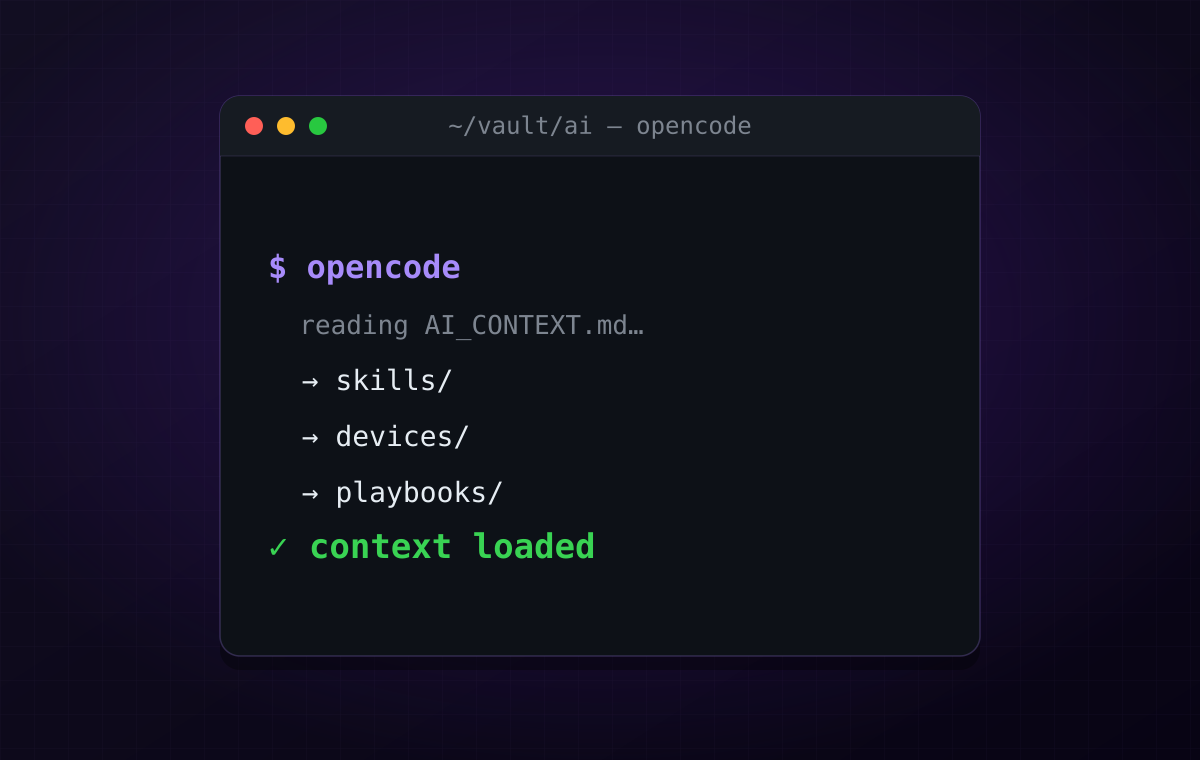
Every time I start a new AI coding session, I have the same problem. The agent knows nothing about my setup. It does not know I run Docker on a homeserver, that my laptops connect through a mesh VPN, or that I prefer NixOS for daily driving. I have to explain everything from scratch.
I wanted a system where the agent already knows my environment before I ask the first question. Not because it remembers our last conversation — it does not — but because it reads a structured knowledge base that lives on disk.
That is what I call an AI harness.
The Core Idea
The harness is a Git repository full of Markdown files. Nothing fancy. It documents my devices, infrastructure, projects, playbooks, runbooks, conventions, and decisions. Every machine I use has a clone of this repository.
When I open a coding agent — OpenCode, Claude Code, Codex, whatever — it reads one entry-point file first, then navigates to the specific docs it needs for the current task.
The key insight: the Markdown files are the source of truth. Everything else — embeddings, vector search, MCP servers — is optional. If the homeserver is offline, the agent still works. It just searches local files with grep instead of semantic search.
Forgejo ▲ │ git push/pull │ +----------+----------+ | | Laptop A Laptop B │ │ │ │ Local harness Local harness │ │ └─────────┬───────────┘ │ Homeserver (optional indexing, MCP, embeddings)That means:
- On your laptop, the agent reads
~/Documents/vault/aidirectly. - When the homeserver is up, agents can use semantic search, embeddings, MCP.
- When it is down, they fall back to searching local Markdown files.
Directory Structure
Here is what the harness looks like:
ai/├── AI_CONTEXT.md # Entry point — always load first├── README.md # Overview and conventions│├── skills/ # Reusable technical knowledge├── devices/ # Per-device documentation├── infrastructure/ # Network, services, security├── playbooks/ # Step-by-step procedures├── runbooks/ # Troubleshooting guides├── projects/ # Project-specific context├── incidents/ # What broke, how it was fixed├── decisions/ # Why technical choices were made├── memory/ # Preferences, conventions├── prompts/ # Reusable AI prompts├── snippets/ # Code fragments└── scratch/ # Temporary notesEach directory has a clear purpose. You do not need all of them. Start with AI_CONTEXT.md, devices/, skills/, and memory/. Add the rest as needed.
The Entry Point: AI_CONTEXT.md
This file is the table of contents. It should be small, focused, and always loaded first.
# AI Context — My Infrastructure
## Current Focus
**Active projects:**- my-api- hermes-agent
**Current infrastructure work:**- VPN gateway migration- NFS cleanup
## Quick Reference — Devices
| Device | OS | Role ||--------|-----|------|| Homeserver | Arch | Primary server, Docker, storage || Laptop | NixOS | Daily driver, development |
## Documentation Map
| Topic | Location ||-------|----------|| Infrastructure | infrastructure/ || Devices | devices/ || Skills | skills/ || Playbooks | playbooks/ || Projects | projects/ |
The point is routing, not documentation. Tell the agent where to look, not what everything does.
The System Prompt
This is where most people go wrong. They write prompts like “read everything under ai/.” That wastes context and slows things down.
Instead, teach the agent how to navigate:
You have access to my AI harness at ~/Documents/vault/ai.
Do not assume you already know my environment.Retrieve information from the harness when relevant.
## Context Loading Strategy
Start with AI_CONTEXT.md.Use it to determine which additional documents are relevant.Load only the files necessary for the current task.
## Search Order
1. AI_CONTEXT.md2. Project documentation3. Skills4. Playbooks or Runbooks5. Devices6. Infrastructure7. Decisions8. Memory
## Working Principles
Prefer searching over guessing.If required information is missing, ask instead of inventing.When modifying infrastructure, check existing playbooks first.
## Confidence Levels
HIGH — Information came directly from the harness.MEDIUM — Inferred from multiple harness documents.LOW — General knowledge (harness has no relevant info).
Never present LOW confidence information as if it werepart of my environment.
## Knowledge Improvement
After completing significant work, consider whetherthe harness should be updated. Suggest updates but donot modify the harness unless explicitly asked.
Notice: nowhere does it say “read the whole harness.” It says “search it.” That is a huge difference.
How It Works in Practice
You say:
Set up NFS on my laptop.
The agent:
- Reads
AI_CONTEXT.md - Sees
devices/andskills/in the documentation map - Loads
skills/nfs-management/SKILL.md - Loads
devices/<laptop>.mdfor device-specific details - Checks
playbooks/setup-nfs-arch-laptop.mdif it exists - Answers with context from your actual setup
You say:
Deploy my-api.
The agent automatically discovers:
projects/my-api/state.md— project overviewplaybooks/— deployment proceduresskills/docker-containers/— Docker patterns
Without you mentioning any of them.
The Three Levels
I think of the harness as having three tiers:
Level 1 — Always available. Markdown files plus grep. No network, no server. Every machine has this because it is just a Git clone. Capabilities: ripgrep, filename search, reading Markdown. This handles 80% of cases.
Level 2 — Nice to have. The homeserver provides an MCP server that wraps ripgrep and returns chunks instead of whole files. Better routing, lower token cost. If it is offline, nothing breaks.
Level 3 — Future. Semantic search with embeddings. Good for abstract questions like “what patterns do I use for Docker networking?” Build this only when Level 1 and 2 are not enough.
The important point: losing the homeserver only makes the AI a little less smart, never unusable.
Tips That Made It Work Better
Keep AI_CONTEXT.md small. Think of it as a router, not documentation. A 50-page entry point defeats the purpose.
Add a Current Focus section. Update it occasionally with active projects and priorities. This biases the agent’s search toward what you are actually working on.
Use the reflection rule. Tell the agent: after completing significant work, ask yourself “will Future Me benefit from remembering this?” If yes, suggest a note. Every conversation improves your documentation.
Prioritize search order. Tell the agent exactly which directories to check and in what order. This prevents wandering through dozens of files.
Define confidence levels. This prevents the classic AI mistake of confidently inventing details about your setup that are not in the harness.
Git gives you extras. Since every machine has the repository, agents can do git grep, ripgrep, filename search — all surprisingly effective even without embeddings.
Where RAG Fits
What I have described so far is technically a primitive RAG system. The retrieval is manual — the agent uses grep and file reading instead of embeddings, but the pattern is the same: query in, relevant chunks out, LLM generates answer.
The difference is how retrieval happens.
Right now:
Question │ ▼AI_CONTEXT.md (routing) │ ▼grep / ripgrep / find │ ▼Read 3-5 files │ ▼LLM answersClassical RAG:
Question │ ▼Embed query → vector similarity search │ ▼Return relevant chunks │ ▼LLM answersThe advantage of RAG is handling abstract questions. “What patterns do I use for Docker networking?” is hard to answer with grep because the answer might be spread across skills, devices, and infrastructure files. Embeddings can find related content by meaning, not just keywords.
But here is the thing — my vault is small. Around 65 files, maybe 30-50k tokens. A simple combination of ripgrep, directory structure, and AI_CONTEXT.md works extremely well at this scale. RAG adds complexity (embedding models, vector databases, indexing pipelines) that is not justified yet.
The plan is to add it when the vault grows to hundreds of files or when questions start requiring semantic understanding that keyword search cannot handle. The architecture is designed so that adding RAG later does not require rewriting anything — just point an indexer at the same Git repository and let it build embeddings on commit.
The eventual architecture I am aiming for:
Obsidian │ ▼ Git Push │ ▼ AI Harness │ ┌────────────┴────────────┐ │ │Filesystem Search Embedding Index(rg/find) (sqlite-vec) │ │ └────────────┬────────────┘ │ Retrieval Engine │ ▼ OpenCode │ ▼ ClaudeThe retrieval engine picks the best method: exact filename for known files, ripgrep for text search, semantic search for abstract questions, metadata for tagged queries, graph traversal for following links between documents. AI_CONTEXT.md stays as the router, narrowing the search space before RAG even runs.
The key insight: RAG is not a replacement for the harness. It is a retrieval strategy that sits in front of the same Markdown files. The data format stays stable while the retrieval mechanism evolves.
What I Would Avoid
Do not turn the harness into a monolith. Each file should cover one topic. If a file is getting long, split it.
Do not load everything. The whole point is selective retrieval. Five files, not fifty.
Do not skip the system prompt. Without navigation rules, the agent will either load too much or too little.
Do not couple it to one AI tool. Markdown is universal. If you switch from OpenCode to Claude Code to something else, the knowledge base stays the same. Only the system prompt changes.
Why This Architecture
This is a Unix-like design philosophy applied to AI context:
- The knowledge is just Markdown in a Git repository.
- Advanced services (MCP, vector search, indexing) are optional enhancements.
- Any machine with a clone of the repository can still answer questions using ordinary file search.
You are never locked into a particular AI tool. Whether you are using Claude Code, Codex CLI, OpenCode, or something else, they all work from the same local knowledge base.
That is the whole point. The knowledge lives in files, not in a service. The service just makes it faster to find.