Mouseless: Running a Whole Linux Desktop From the Keyboard
DraftThe mouse is the slowest input device on my desk. A tour of my keyboard-only setup on i3 and niri: Vimium-style hints for every GUI app, keynav and warpd grids, dragon for drag-and-drop, and rofi menus that jump to Telegram chats, browser tabs, bookmarks and history. Plus why building it made me care about accessibility.
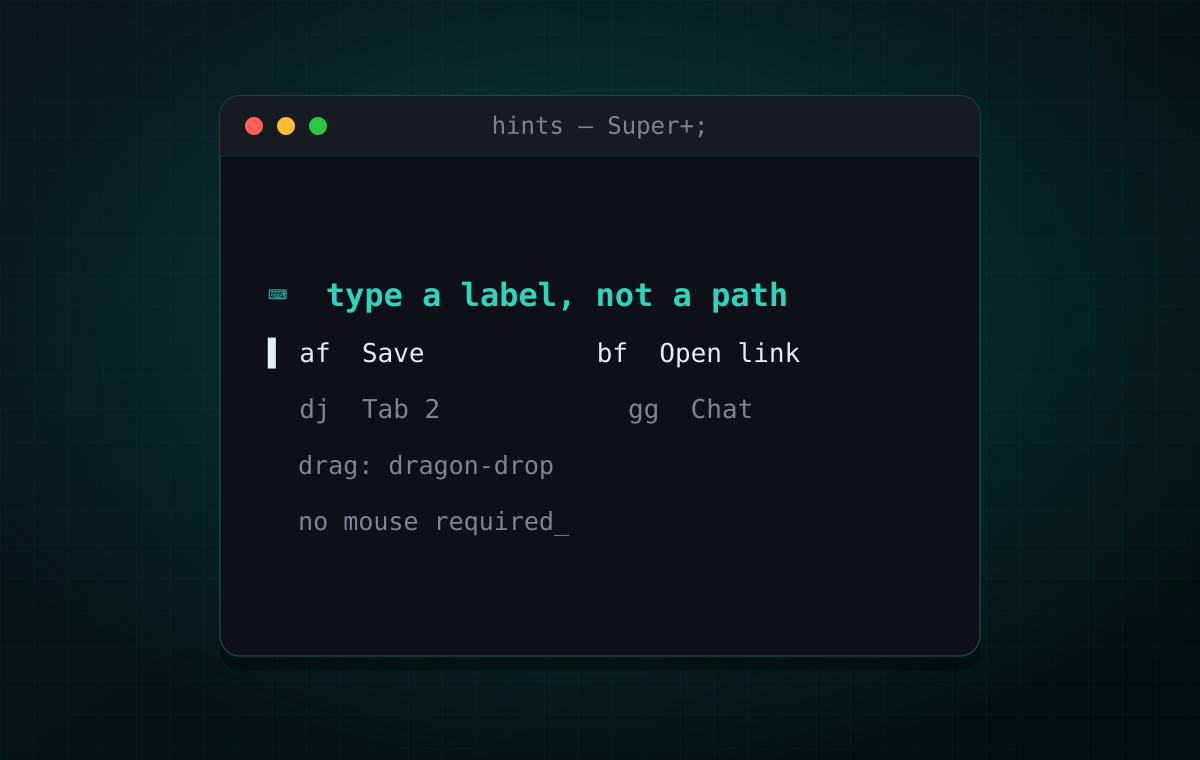
Reaching for the mouse is a context switch you’ve stopped noticing. Your hand leaves the keyboard, finds the pointer, drags it across a screen you have to scan with your eyes — and a second later you’re back on the keys. Do that a hundred times a day and it’s the most expensive habit in my workflow. Not because it’s slow, but because it feels free.
So I set one rule: everything must be reachable from the keyboard — clicks, drags, jumping to a chat, switching tabs, opening a bookmark. Not because the mouse is bad, but because leaving the home row should be a decision, not a reflex. Here’s how the pieces fit. All of it is declared in my NixOS config and runs on i3, with niri as the Wayland side.
Three verbs: jump, click, drag
Everything the mouse does for me comes down to three verbs:
- Jump — go somewhere: another app, a chat, a tab, a bookmark.
- Click — press something that’s right there on screen.
- Drag — pick something up and put it somewhere else.
Each verb gets its own tool. With all three in place, the mouse has nothing left to do.
Jump: rofi and a few switchers
Jumping is fuzzy search, so it’s a rofi menu. The base is i3’s app launcher and window switcher; around it I built a few tools of my own:
- telepad — Super+g, a few letters, Enter, and I’m in any Telegram chat, group, channel, topic or archive, across all accounts, from any window. It’s Discord’s Ctrl+K for an app that never shipped one.
- brave-rofi-rust — Super+t lists every open browser tab, plus bookmarks and history.
The bookmarks are a small idea I like more than any app integration: they’re a plain
text file. I keep them in Surfraw’s format —
~/.config/surfraw/bookmarks, one name url per line — which surfraw itself reads for
sr <bookmark> in the terminal. The same file feeds a rofi menu on
Super+b, and browser history has its own on
Super+Shift+h. No sync, no extension, no database:
append a line with echo >> and every picker on the system knows about it.
That’s the pattern throughout: data lives in dumb, greppable files; the pickers are ten-line scripts. The whole set — bookmarks, history, the executable cheatsheets — is in the dotfiles repo.
Click: hints, Vimium for the whole desktop
Jumping covers navigation, but sometimes you just need to press that button — in a
dialog, a toolbar, a web page someone else wrote. That’s
hints: press
Super+; and every clickable element in the active window gets a
short letter label. Type the label and it’s clicked. It’s
Vimium’s f key, lifted out of the browser and
pointed at every GUI app at once.
hints isn’t my project — it’s by Alfredo Sequeida
— but living with it every day made me redo its NixOS setup properly, and most of the
interesting parts are in the wiring, in
system/hints.nix:
- Upstream’s
sudo hints --setupedits system files by hand. On NixOS it’s one declarative module: package, daemon, environment variables. hintsdclicks by writing to/dev/uinput— a virtual mouse, so the app can’t tell a hint click from a real one.- On i3 the label overlay is a transparent window that renders black without a
compositor, so
picomis part of the module. - On niri,
Super+;did nothing at all. hintsd detects the window system by greppingps -e, and the systemd unit’sPATHhad nops, so detection returned an empty string and the client swallowed the error. X11 never noticed, becauseXDG_SESSION_TYPE=x11short-circuits that check. The fix is two packages on the unit’sPATHandHINTS_DEBUG=1, so the next failure lands in the journal. - Per-app tuning: AyuGram exposes ~2,900 accessibility elements, because every chat row
is five table cells, and laying out the labels takes ~700 ms. One
application_rulesentry that also excludes table cells brings it down to ~300 elements and ~150 ms.
Where there’s nothing useful to label, the older
keynav still wins:
Ctrl+; puts a grid over the screen, h/j/k/l cut it in half
and y/u/b/n cut it to a quadrant, until the cursor is exactly where you want it —
a binary search instead of labels. Its config is a single file
(keynavrc),
and my cheatsheet tool reads it live, so the sheet can’t go stale. keynav is X11-only, so
on niri it’s replaced by warpd configured the same
way — same grid, same keys — with the hotkey bound in the compositor, because Wayland
doesn’t allow global key grabs.
Drag: dragon for drag-and-drop
The last mouse-only verb is drag-and-drop, and its keyboard answer is dragon-drop: it turns files into a small window you can drag from. Select files in a terminal file manager, press a key, and drop them into a browser upload form or a file picker:
run = "shell -- dragon-drop --and-exit --all %s"It works the other way too — dragon as a drop target that prints the dropped paths — and pairs well with hints: label the target, then drop. Ugly, effective.
The accessibility lesson: it’s for me too
The part I didn’t expect: building this made me take accessibility seriously, because now I depend on it myself.
hints walks the app’s accessibility tree — AT-SPI on Linux, the same structure screen readers use — finds the elements that are actually clickable and draws labels at their coordinates. In the happy path it never looks at pixels; it asks the app “what’s here, and where?”
That only works if the app has a tree, and this is where the web is quietly broken. A
real <button> announces itself: focusable, labelled, in the accessibility tree,
visible to Vimium’s f, to screen readers, to every keyboard tool. A <div onclick=…>
announces nothing. It looks the same and clicks the same, but it’s invisible to all of
them. For a mouseless workflow a div-button isn’t a minor standards violation — it’s a
dead spot on the screen: hints draws no label, and the only way to press it is to go
get the mouse. Exactly what the whole setup exists to avoid.
So when someone asks why accessibility matters beyond screen-reader users, here’s
another answer. The accessibility tree isn’t a charity feature; it’s the
machine-readable description of “what can I do here”, and a growing set of tools —
Vimium, hints, voice control, desktop automation — treat it as an API. Exposing it
properly is what makes your UI drivable, and every real <button> you write is a
label someone can press.
The desktop side has the same catch: apps only expose their tree when asked. The
system runs at-spi2-core, and each toolkit gets told to opt in:
services.gnome.at-spi2-core.enable = true;environment.sessionVariables = { ACCESSIBILITY_ENABLED = "1"; QT_ACCESSIBILITY = "1"; # Qt apps, e.g. Telegram/AyuGram QT_LINUX_ACCESSIBILITY_ALWAYS_ON = "1";};Chromium-based browsers ignore all of that and need a flag instead: a fresh Brave
reported 0 elements to AT-SPI, and 83 with --force-renderer-accessibility. So my
brave is a wrapper that always passes it — otherwise hints falls back to OpenCV edge
detection and paints hundreds of junk labels. A desktop-wide hint system is, in effect,
a screen reader that clicks instead of reading, and it inherits every accessibility win
and every accessibility bug an app ships.
Where it breaks
- Wayland is the smaller half. hints runs on both i3 and niri, but keynav is X11-only and warpd on Wayland can’t grab keys itself — the compositor has to launch it.
- hints needs the app to cooperate. An app with no accessibility tree gets nothing good: the OpenCV screenshot fallback can click things, but it can’t know what they are.
- Labels have a cost. Big lists (chat clients, spreadsheets) make the tree huge; the AyuGram rule above is a patch, not a solution.
- The mouse isn’t the enemy. For photo editing or a quick scroll-and-glance I still use it. The rule isn’t “no mouse”, it’s “reaching for the mouse is a choice”.
The stack
All of it lives in github.com/antlis/dotfiles; the
most interesting Nix file is
system/hints.nix.
| Verb | Tool | Binding |
|---|---|---|
| Jump | rofi + telepad + brave-rofi-rust | Super+g / t |
| Bookmarks | surfraw text file + rofi | Super+b |
| History | Brave history + rofi | Super+Shift+h |
| Click | hints | Super+; |
| Grid | keynav on i3 · warpd on niri | Ctrl+; |
| Drag | dragon-drop | from yazi / nnn |
If you take one thing from this: next time you’re in the browser, try Vimium’s f key
and notice how rarely you actually need the mouse. Then ask why the rest of the desktop
doesn’t work that way. It can.