invisible-ai: An AI Overlay That Linux Can Actually Hide From Screen Shares
DraftA window that screen capture can't see is useful well beyond Cluely-style interview overlays — password managers, clipboard history, anything you don't want on a shared screen. On Linux it isn't impossible, it's compositor-dependent. How invisible-ai (Tauri v2 + Rust) does it on niri, and why X11 never can.
Cluely is refreshingly honest about what it’s for: an AI overlay that feeds you answers during interviews and is “undetectable by design” — the person on the other end of the screen share never sees it. Whatever you think of that use case, it made me ask a different question: why doesn’t Linux have this primitive at all?
Because a window that screen capture can’t see isn’t inherently a cheating tool. It’s a privacy tool, and you need one more often than you’d think:
- A password manager. You’re on a call, you need a password, and the Bitwarden window must not end up on the shared screen. The browser extension won’t save you either: one stray click on the eye icon and the password is on the stream.
- Clipboard history. You paste a token, a key, an internal URL — from a picker that is, of course, on screen while you pick.
- 2FA codes, internal dashboards, a terminal with staging credentials in the title. The “fine on my monitor, not fine in Zoom” category is bigger than it looks, and a screen share dumps all of it at once.
On macOS this is one API call (NSWindowSharingNone), on Windows another
(WDA_EXCLUDEFROMCAPTURE). Cluely doesn’t ship for Linux at all. The open-source clones
that do are upfront about it: OpenCluely’s
README says that on Linux setContentProtection is a silent no-op and the overlay
will be visible to everyone you share with, and
Pluely’s invisibility rests on compositor
behavior nobody guarantees.
So, is a reliable capture-proof overlay impossible on Linux? No. But the honest answer depends on your compositor, and this post is that answer — plus the app I built around it: invisible-ai, a screen- and meeting-aware AI overlay in Tauri v2 + Rust that I run daily on i3 and niri.
Why Linux is different (and not hopeless)
There’s no Linux WDA_EXCLUDEFROMCAPTURE for an architectural reason. On Windows and
macOS the OS owns screen capture, so it can offer a per-window opt-out. On Linux, who
captures the screen depends on the display server — and only one of the two can
exclude anything:
- X11: not hard, impossible. There are no capture permissions, so there’s nothing to
opt out of — any client can read any window’s pixels with
XGetImage. The screen is one shared image; once your overlay is composited into it, every capturer (Zoom, OBS, Discord) reads the same picture. No window-manager trick changes that. - Wayland: the compositor owns capture, so the compositor can exclude. Some already
do:
- niri has
block-out-from "screen-capture"in its window and layer rules; - KDE Plasma 6.6+ added a per-window “Hide from ScreenCast” action to KWin;
- GNOME/Mutter has nothing built in.
- niri has
A capture-proof overlay on Linux is real if your compositor supports it, and an app that promises it everywhere is lying by omission. The sane design: detect the compositor, use its mechanism, and tell the user honestly whether they’re hidden right now.
What invisible-ai does
A translucent panel over the desktop, driven entirely from the keyboard:
- Click-through by default. Transparent, always on top, on every workspace, no
taskbar entry — you work right through it.
interactmakes it clickable and focused (purple border) for settings or a typed question, and click-through again on close. askscreenshots the overlay’s monitor, sends it with a question to any OpenAI-compatible provider (NanoGPT, OpenRouter, OpenCode Zen, Ollama — anything with a vision model) and streams the answer into the panel as Markdown with highlighted code. API keys come from an env var or a shell command, never the config file, and the config is re-read on every ask.listenruns a live transcript: local whisper.cpp transcribes your mic (“Me”) and system audio (“Them”), recorded separately withpw-record. Questions in the transcript are answered automatically, with the screen and recent lines as context; mic lines that merely echo the other speaker are dropped. Audio never leaves the machine — only the model requests do.- Everything goes through a Unix socket. The running app listens on
$XDG_RUNTIME_DIR/invisible-ai.sock, and the same binary with an argument is the client. Any command starts the app if it isn’t running, so one WM binding is both launcher and remote:
# i3bindsym $mod+backslash exec invisible-ai toggle # show / hide (starts it)bindsym $mod+Ctrl+backslash exec invisible-ai prompt # type a questionbindsym $mod+Mod1+backslash exec invisible-ai listen # voice on / offbindsym $mod+Shift+backslash exec invisible-ai interactOn X11 all of this works today: picom for transparency, GTK for the window tricks. A
UTILITY window floats in i3; position and input shape are applied on map, because i3
ignores anything requested before it manages the window; focus_on_map is off, so
showing the overlay never steals focus. invisible-ai also keeps the panel out of its
own screenshots, so the model never reads its previous answers back: a compact panel’s
area is blanked out of the image, and a fullscreen one is faded to zero opacity through
picom for ~150 ms while the screenshot is taken. But that only works because it’s the
app’s own capture. To anyone else’s capture — Zoom, OBS — the panel is just another
window. Again, that’s X11.
Actually invisible: niri
The real thing happens on Wayland, in niri. There the overlay is a layer-shell
surface with the namespace invisible-ai, and hiding it is a single rule in the
compositor config, next to my keybindings:
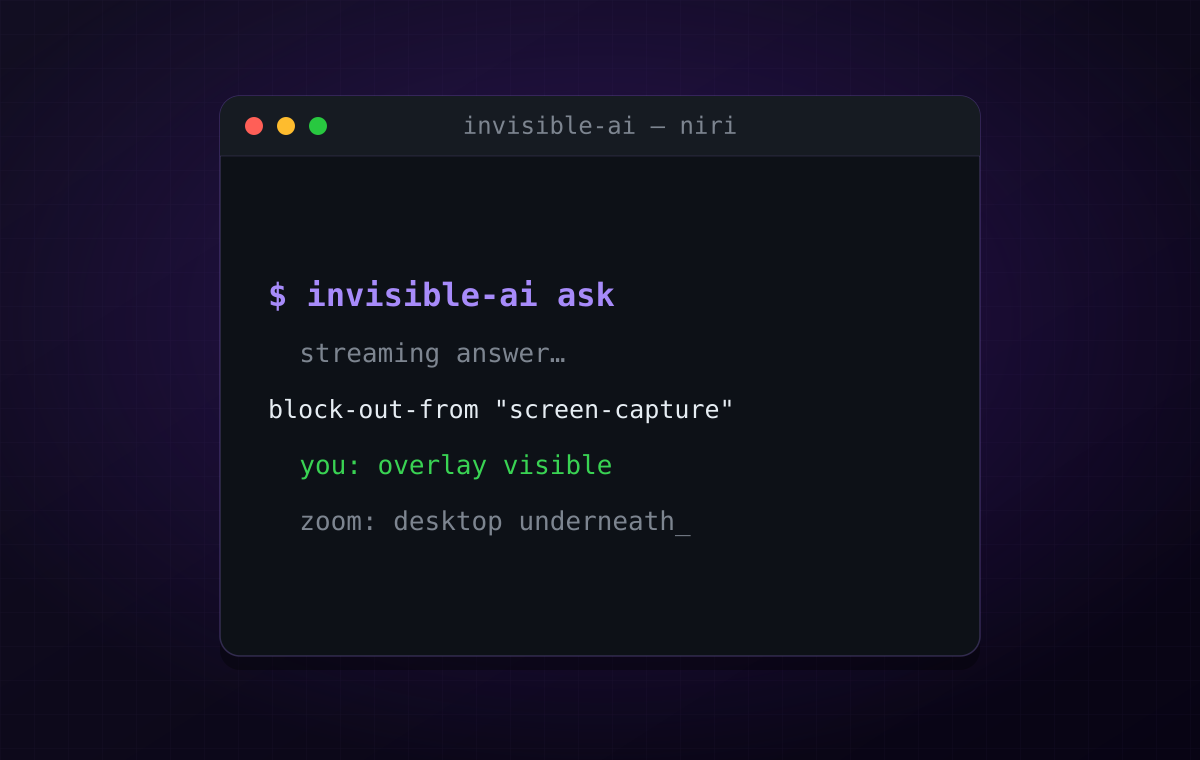
layer-rule { // invisible-ai overlay: hidden from screen sharing and screenshots. match namespace="^invisible-ai$" block-out-from "screen-capture"}That’s it. niri now blocks the layer out of every capture — Zoom, OBS, Discord, grim,
whatever is on the other end of the pipe. Including invisible-ai’s own screenshots,
which it takes with grim over wlr-screencopy: the model never sees the panel, even in
fullscreen, and nothing has to fade or flicker.
Well, almost. Stock niri draws a black rectangle where the blocked-out surface is,
just like KWin does. Viewers see an opaque box floating over your desktop, which for my
purposes is worse than nothing: it advertises exactly what you wanted to hide. macOS
and Windows show the desktop underneath, as if the window weren’t there. I wanted
that too, and it took a small compositor patch,
niri-invisible-layers.patch,
applied to the niri build in my dotfiles:
if target.should_block_out(self.rules.block_out_from) { // …draw the solid-color block-out buffer… rv.normal.push(elem.into()); // Draw nothing instead of a black rectangle, so screencasts and screenshots // show whatever is underneath, as if the surface weren't there. return rv;}Instead of painting the surface black, skip it — and the capture shows the desktop underneath, exactly like macOS and Windows. Carrying a patch on my compositor is a deliberate trade: a dozen lines on top of stock niri, rebuilt by my NixOS config, in exchange for an overlay that is genuinely invisible on the other side of the call.
Why black, and what upstream is doing
The black box isn’t an accident. niri’s docs pitch block-out-from for password
managers and messengers, and there a visible rectangle is arguably the point: you
can see on the preview that something is being held back. So my patch is fine for my
machine but not something to send upstream as is — it silently changes what an
existing option does for everyone who relies on that box.
I’m far from the first to want the other behavior. In niri’s Discussions (where its
feature requests live) the same request shows up three times this year:
#3596 (a black box hints at
what you hid — “that’s a notification” — and looks shady in an interview),
#4339 (omit layer surfaces, i.e.
exactly this overlay case) and
#4564 (an AI assistant window,
“like WDA_EXCLUDEFROMCAPTURE”). The maintainer hasn’t said no: he calls it “the
discussion about making block-out-from able to omit windows”, wants “something simple
first”, and wants to see how other systems handle it.
And there’s already code: PR #3685 adds a
separate hide-from rule for windows and layers that leaves matched surfaces out of
captures, with block-out-from untouched. That’s the design that can actually land.
It has been open since March without a review and now needs a rebase, so I added my
use case there and in #4564, together with the answer to “how do other systems do it”:
Windows and macOS both omit the window rather than black it out.
The caveats, because “invisible” deserves scare quotes
- It’s a compositor rule, not an app feature. invisible-ai can’t hide itself; you have to add the layer rule. Without it, the overlay is as visible as any other window.
- X11 stays impossible. On my i3 machines it’s a good AI panel, not a private one. If invisibility is the requirement, the answer is niri, not X11.
- The patch is mine to carry — for now. Stock niri gets you everything except
“desktop underneath instead of a black box”, and I’ll be rebasing that patch across
niri updates until something like
hide-fromfrom #3685 is merged. Then it’s one word in the layer rule and no patch at all. - Detect and degrade, don’t promise and lie. Next on the list: detect the compositor and say it in the panel — “hidden from capture” vs “visible: you’re on X11/GNOME”. An overlay that can’t be sure shouldn’t act sure.
Where it’s going
Roughly: a native Anthropic API provider; macOS (NSWindow.sharingType) and Windows
(WDA_EXCLUDEFROMCAPTURE) backends, so every platform gets the same guarantee; and
meeting-copilot features — suggestions from the live transcript and a summary after
the call.
If you’ve wanted this primitive on Linux — honestly, for the password manager — the short version is: it exists, it lives in the compositor, and today that means niri (or KDE 6.6+), not X11. Make the overlay a layer-shell surface, add the rule, and be wary of any app that claims the same thing everywhere.