Tmuxinator Projects with fzf
Interactively browse and launch tmuxinator projects from terminal using fzf
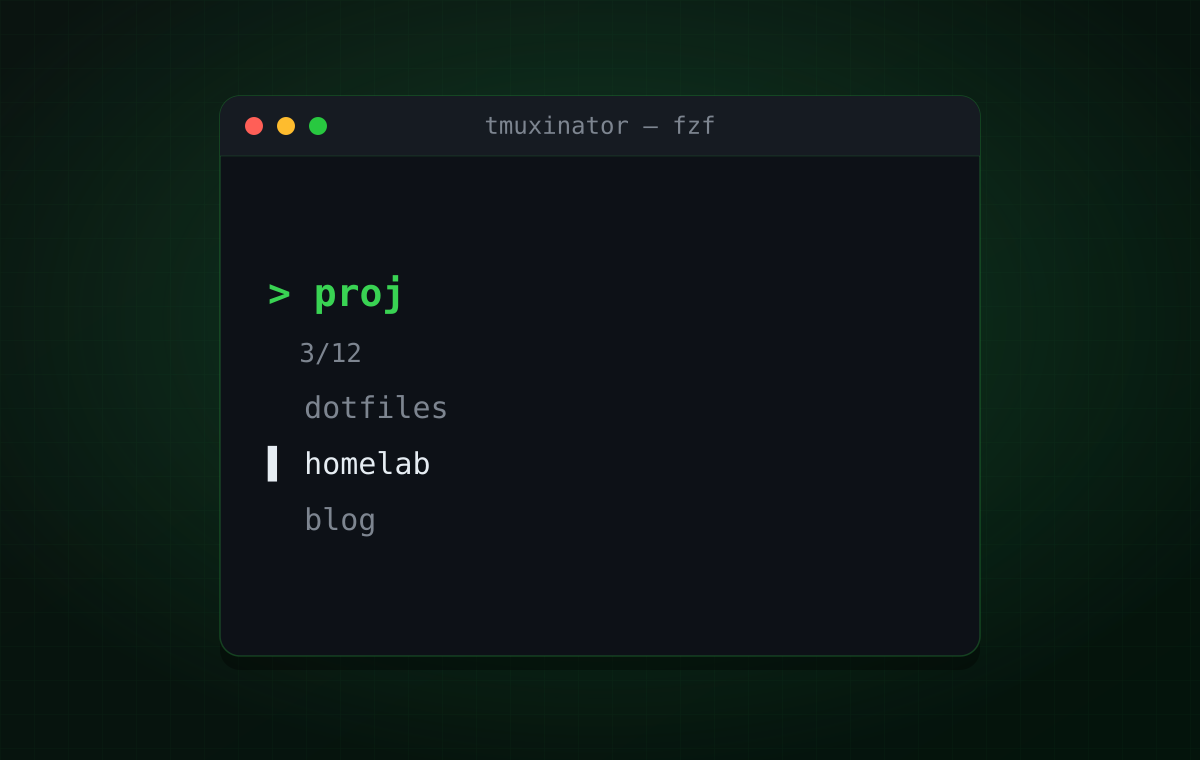
I wrote a small shell function that lets me browse and launch tmuxinator projects directly from the terminal, using fzf for interactive selection with live previews of the project configuration. This eliminates the need to remember exact project names or manually list and start tmuxinator sessions.
The Function
mux-fzf() {  local workspace config_file
  config_file=$(find ~/.config/tmuxinator -name "*.yml" -o -name "*.yaml" 2>/dev/null | \    fzf \      --height=40% \      --reverse \      --prompt="Select tmuxinator config: " \      --preview="cat {}" \      --preview-window=right:60%)
  if [[ -n "$config_file" ]]; then    workspace=$(basename "$config_file" .yml)    workspace=$(basename "$workspace" .yaml)    echo "Starting: $workspace"    tmuxinator start "$workspace"  fi}